- Becoming a Member
- Your First Flight
- Introduction
- Installing Pegasus
- Booking a Flight
- Logging Your Flight
- Troubleshooting
- Careers
- Ranks, Awards & Points
- Direct Entry Second Officer
- Professional Career
- Introduction
- KLM Flight Academy
- Type Ratings
- Exams
- Flying Online
- VATSIM
- IVAO
- Vamsys
- Introduction
- Profile Settings
- Flight Centre
- NOTAMs & Alerts
- Events
- Documents
- Resources
- Community
- Pilot Support
- Hangar
Becoming a Member
Joining the virtual airline is not hard at all! You can join the virtual airline by applying for a membership in the vacancies below. Belof our vacancies you will find an instuction video on how to join our virtual airline.
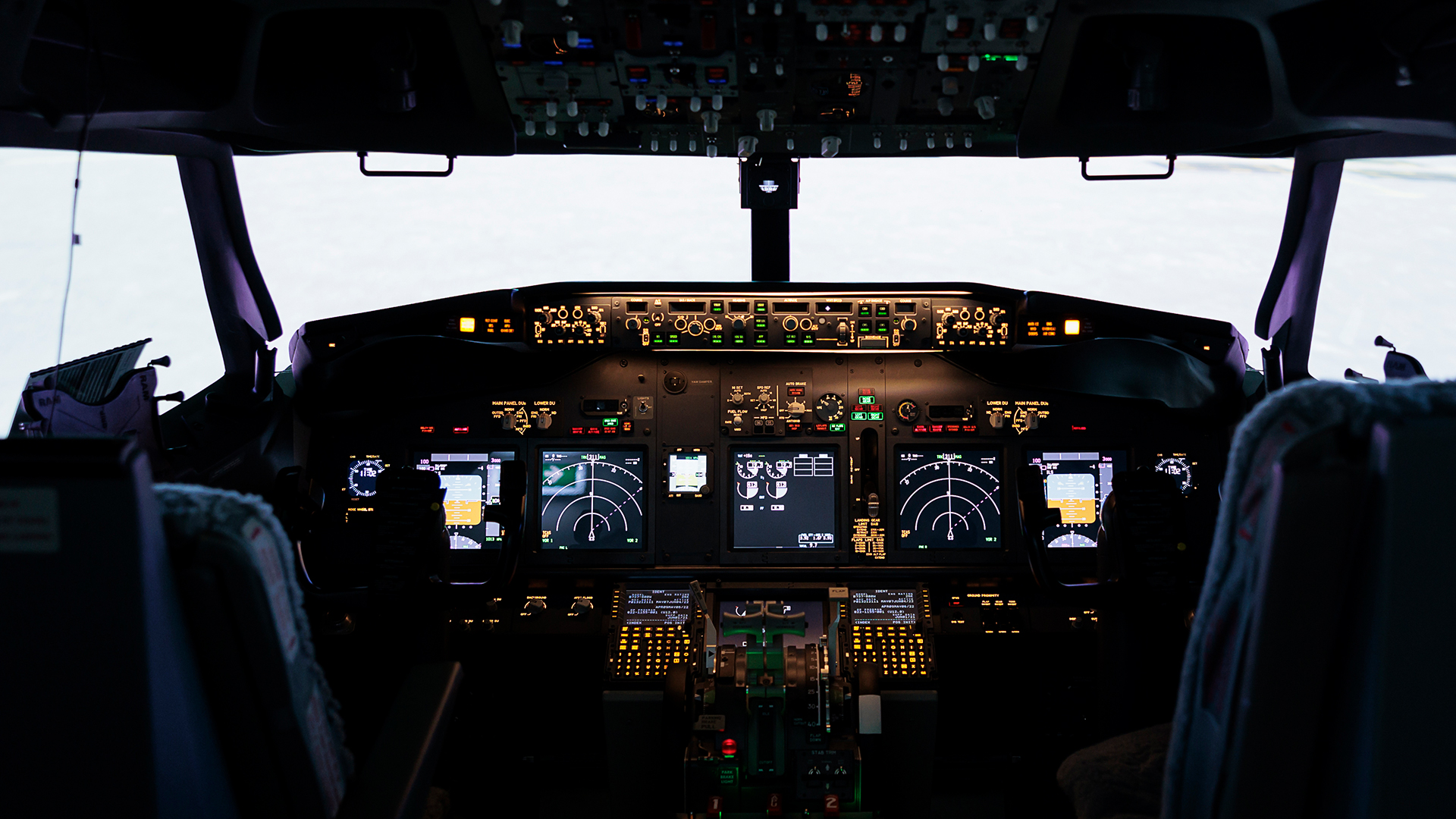
Pilot in Training (Cadet)

Become a trainee for our virtual airline and let us help you…
Direct Entry Jr. First Officer

Become a second officer for our virtual airline and join on of the…
Instruction Video
Cadet
🕐 0 hours
💯 0 points
🎁 0 bonuspoints
📋 You need to perform an exam to advance to ‘Candidate Second Officer’.

Candidate Second Officer
🕐 0 hours
💯 0 points
🎁 250 bonuspoints
📋 You need to perform an exam to advance to ‘Second Officer in Training’.

Second Officer in Training
🕐 0 hours
💯 0 points
🎁 500 bonuspoints
📋 You need to gain hours and points to advance to ‘Second Officer’.

Second Officer
🕐 25 hours
💯 1.500 points
🎁 500 bonuspoints
📋 You need to perform a checkflight to advance to ‘Jr. First Officer’.
Jr. First Officer
🕐 50 hours
💯 7.500 points
🎁 2.500 bonuspoints
📋 You need to gain hours and points to advance to ‘First Officer’.
First Officer
🕐 300 hours
💯 15.000 points
🎁 2.500 bonuspoints
📋 You need to perform a checkflight to advance to ‘Captain’.

Captain
🕐 600 hours
💯 37.500 points
🎁 5.000 bonuspoints
📋 You need to gain hours and (bonus)points to advance ‘Senior Captain’.

Senior Captain
🕐 1.000 hours
💯 75.000 points
🎁 10.000 bonuspoints
This is the highest available rank for now.
Type Ratings






Exams

Exam 1 – Advance to Candidate Second Officer
Briefing will be published shortly.

Exam 2 – Advance to Second Officer in Training
Briefing will be published shortly.

Checkflight – (Direct Entry) Second Officer in Training (KLM)
🛫 Return flight Amsterdam – London Heathrow
🕐 The checkflight duration is based on the flight time of your sectors
📡 Review based on your PIREP, no examiner needs to be present during the flight
Outbound leg | Amsterdam Schiphol Airport (EHAM / AMS) to London Heathrow (EGLL / LHR)
- On this leg you will fly to London with passengers. It is operated as a normal flight.
- A manual landing is mandatory on this leg. This means your autopilot must be disengaged below 2.000 ft AGL (1.900 ft AGL is rejected).
- Diverting to another airfield is not allowed. If this is needed for whatever reason, a new checkflight needs to be scheduled.
Homebound leg | London Heathrow (EGLL / LHR) to Amsterdam Schiphol Airport (EHAM / AMS)
- On this leg you will fly back to Amsterdam with passengers. It is operated as a normal flight.
- A full autoland is mandatory on this leg. This means your autopilot must be engaged all the way untill touchdown.
In case of a go-around, please reconfigure the aircraft and perform another full autoland. - Diverting to another airfield is not allowed. If this is needed for whatever reason, a new checkflight needs to be scheduled.
A few additional items are mandatory in order to pass the checkflight (we cannot be flexible on these items):
- Using time acceleration or pausing the simulator (for more then 5 seconds) is not allowed;
- Manual PIREPS or a claim will not be accepted due to the nature of this checkflight;
- Your landing rate on all legs should lie between -25ft/min and -350ft/min;
- This checkflight can only be flown once per pilot. Should you need another atempt, please contact us at ops@klmtransavia-virtual.com.
Only when you meet all the above mentioned criteria you will be awarded the bonuspoints needed to advance to Second Officer in Training (one golden stripe).

Checkflight – (Direct Entry) Second Officer in Training (TRA)
🛫 Return flight Amsterdam – Barcelona
🕐 The checkflight duration is based on the flight time of your sectors
📡 Review based on your PIREP, no examiner needs to be present during the flight
Outbound leg | Amsterdam Schiphol Airport (EHAM / AMS) to Barcelona El Prat (LEBL / BCN)
- On this leg you will fly to Barcelona with passengers. It is operated as a normal flight.
- A manual landing is mandatory on this leg. This means your autopilot must be disengaged below 2.000 ft AGL (1.900 ft AGL is rejected).
- Diverting to another airfield is not allowed. If this is needed for whatever reason, a new checkflight needs to be scheduled.
Homebound leg | Barcelona El Prat (LEBL / BCN) to Amsterdam Schiphol Airport (EHAM / AMS)
- On this leg you will fly back to Amsterdam with passengers. It is initially operated as a normal flight.
- A full autoland is mandatory on this leg. This means your autopilot must be engaged all the way untill touchdown.
In case of a go-around, please reconfigure the aircraft and perform another full autoland. - Diverting to another airfield is not allowed. If this is needed for whatever reason, a new checkflight needs to be scheduled.
A few additional items are mandatory in order to pass the checkflight (we cannot be flexible on these items):
- Using time acceleration or pausing the simulator (for more then 5 seconds) is not allowed;
- Manual PIREPS or a claim will not be accepted due to the nature of this checkflight;
- Your landing rate on all legs should lie between -25ft/min and -350ft/min;
- This checkflight can only be flown once per pilot. Should you need another atempt, please contact us at ops@klmtransavia-virtual.com.
Only when you meet all the above mentioned criteria you will be awarded the bonuspoints needed to advance to Captain (four golden stripes). Please note that beside the points given through this checkflight, you still need the 🕐 600 flight hours and 💯 37.500 basic points in order to recieve the actual rank increase.

Checkflight – Jr. First Officer (KLM)
🛫 Return flight Amsterdam – Bergen (Norway)
🕐 The checkflight duration is based on the flight time of your sectors
📡 Review based on your PIREP, no examiner needs to be present during the flight
Outbound leg | Amsterdam Schiphol Airport (EHAM / AMS) to Bergen (ENBR / BGO)
- On this leg you will fly to Bergen in Norway with passengers. It is operated as a normal flight.
- A manual landing is mandatory on this leg. This means your autopilot must be disengaged below 2.000 ft AGL (1.900 ft AGL is rejected).
- Diverting to another airfield is not allowed. If this is needed for whatever reason, a new checkflight needs to be scheduled.
Homebound leg | Bergen (ENBR / BGO) to Amsterdam Schiphol Airport (EHAM / AMS)
- On this leg you will fly back to Amsterdam with passengers. It is operated as a normal flight.
- A full autoland is mandatory on this leg. This means your autopilot must be engaged all the way untill touchdown.
In case of a go-around, please reconfigure the aircraft and perform another full autoland. - Diverting to another airfield is not allowed. If this is needed for whatever reason, a new checkflight needs to be scheduled.
A few additional items are mandatory in order to pass the checkflight (we cannot be flexible on these items):
- Using time acceleration or pausing the simulator (for more then 5 seconds) is not allowed;
- Manual PIREPS or a claim will not be accepted due to the nature of this checkflight;
- Your landing rate on all legs should lie between -25ft/min and -350ft/min;
- This checkflight can only be flown once per pilot. Should you need another atempt, please contact us at ops@klmtransavia-virtual.com.
Only when you meet all the above mentioned criteria you will be awarded the bonuspoints needed to advance to Jr. First Officer (three golden stripes). Please note that beside the points given through this checkflight, you still need the 🕐 300 flight hours and 💯 37.500 basic points in order to recieve the actual rank increase.

Checkflight – Jr. First Officer (TRA)
🛫 Return flight Amsterdam – Innsbrück
🕐 The checkflight duration is based on the flight time of your sectors
📡 Review based on your PIREP, no examiner needs to be present during the flight
Outbound leg | Amsterdam Schiphol Airport (EHAM / AMS) to Innsbrück Airport (LOWI / INN)
- On this leg you will fly to Innsbrück with passengers. It is operated as a normal flight.
- A manual landing is mandatory on this leg. This means your autopilot must be disengaged below 2.000 ft AGL (1.900 ft AGL is rejected).
- Diverting to another airfield is not allowed. If this is needed for whatever reason, a new checkflight needs to be scheduled.
Homebound leg | Innsbrück Airport (LOWI / INN) to Amsterdam Schiphol Airport (EHAM / AMS)
- On this leg you will fly back to Amsterdam with passengers. It is initially operated as a normal flight.
- A full autoland is mandatory on this leg. This means your autopilot must be engaged all the way untill touchdown.
In case of a go-around, please reconfigure the aircraft and perform another full autoland. - Diverting to another airfield is not allowed. If this is needed for whatever reason, a new checkflight needs to be scheduled.
A few additional items are mandatory in order to pass the checkflight (we cannot be flexible on these items):
- Using time acceleration or pausing the simulator (for more then 5 seconds) is not allowed;
- Manual PIREPS or a claim will not be accepted due to the nature of this checkflight;
- Your landing rate on all legs should lie between -25ft/min and -350ft/min;
- This checkflight can only be flown once per pilot. Should you need another atempt, please contact us at ops@klmtransavia-virtual.com.
Only when you meet all the above mentioned criteria you will be awarded the bonuspoints needed to advance to Captain (four golden stripes). Please note that beside the points given through this checkflight, you still need the 🕐 50 flight hours and 💯 7.500 basic points in order to recieve the actual rank increase.

Checkflight – Captain (KLM)
🛫 Return flight Amsterdam – Madrid
🕐 The checkflight duration is based on the flight time of your sectors
📡 Review based on your PIREP, no examiner needs to be present during the flight
Outbound leg | Amsterdam Schiphol Airport (EHAM / AMS) to Madrid Barajas Airport (LEMD / MAD)
- On this leg you will fly to Madrid with passengers. It is operated as a normal flight.
- On your minimums you should fly a mandatory go-around. After the go-around you should plan another approach for Madrid.
- A full autoland after the initial go-around is mandatory on this leg. This means your autopilot must be engaged all the way untill touchdown.
- Diverting to another airfield is not allowed. If this is needed for whatever reason, a new checkflight needs to be scheduled.
Homebound leg | Madrid Barajas Airport (LEMD / MAD) to Amsterdam Schiphol Airport (EHAM / AMS)
- On this leg you will fly back to Amsterdam with passengers. It is initially operated as a normal flight.
- On your minimums you should fly a mandatory go-around. After the go-around you should plan a diversion to Brussels Zaventem Airport (EBBR / BRU).
- Diverting to another airfield besides Brussels is not allowed. If this is needed for whatever reason, a new checkflight needs to be scheduled.
A few additional items are mandatory in order to pass the checkflight (we cannot be flexible on these items):
- Using time acceleration or pausing the simulator (for more then 5 seconds) is not allowed;
- Manual PIREPS or a claim will not be accepted due to the nature of this checkflight;
- Your landing rate on all legs should lie between -25ft/min and -350ft/min;
- This checkflight can only be flown once per pilot. Should you need another atempt, please contact us at ops@klmtransavia-virtual.com.
Only when you meet all the above mentioned criteria you will be awarded the bonuspoints needed to advance to Captain (four golden stripes). Please note that beside the points given through this checkflight, you still need the 🕐 600 flight hours and 💯 37.500 basic points in order to recieve the actual rank increase.

Checkflight – Captain (TRA)
🛫 Return flight Rotterdam – Madrid
🕐 The checkflight duration is based on the flight time of your sectors
📡 Review based on your PIREP, no examiner needs to be present during the flight
Outbound leg | Rotterdam / The Hague Airport (EHRD / RTM) to Madrid Barajas Airport (LEMD / MAD)
- On this leg you will fly to Madrid with passengers. It is operated as a normal flight.
- On your minimums you should fly a mandatory go-around. After the go-around you should plan another approach for Madrid.
- A full autoland after the initial go-around is mandatory on this leg. This means your autopilot must be engaged all the way untill touchdown.
- Diverting to another airfield is not allowed. If this is needed for whatever reason, a new checkflight needs to be scheduled.
Homebound leg | Madrid Barajas Airport (LEMD / MAD) to Rotterdam / The Hague Airport (EHRD / RTM)
- On this leg you will fly back to Amsterdam with passengers. It is initially operated as a normal flight.
- On your minimums you should fly a mandatory go-around. After the go-around you should plan a diversion to Amsterdam Schiphol Airport (EHAM / BRU).
- Diverting to another airfield besides Amsterdam is not allowed. If this is needed for whatever reason, a new checkflight needs to be scheduled.
A few additional items are mandatory in order to pass the checkflight (we cannot be flexible on these items):
- Using time acceleration or pausing the simulator (for more then 5 seconds) is not allowed;
- Manual PIREPS or a claim will not be accepted due to the nature of this checkflight;
- Your landing rate on all legs should lie between -25ft/min and -350ft/min;
- This checkflight can only be flown once per pilot. Should you need another atempt, please contact us at ops@klmtransavia-virtual.com.
Only when you meet all the above mentioned criteria you will be awarded the bonuspoints needed to advance to Captain (four golden stripes). Please note that beside the points given through this checkflight, you still need the 🕐 600 flight hours and 💯 37.500 basic points in order to recieve the actual rank increase.